
Quick Answer
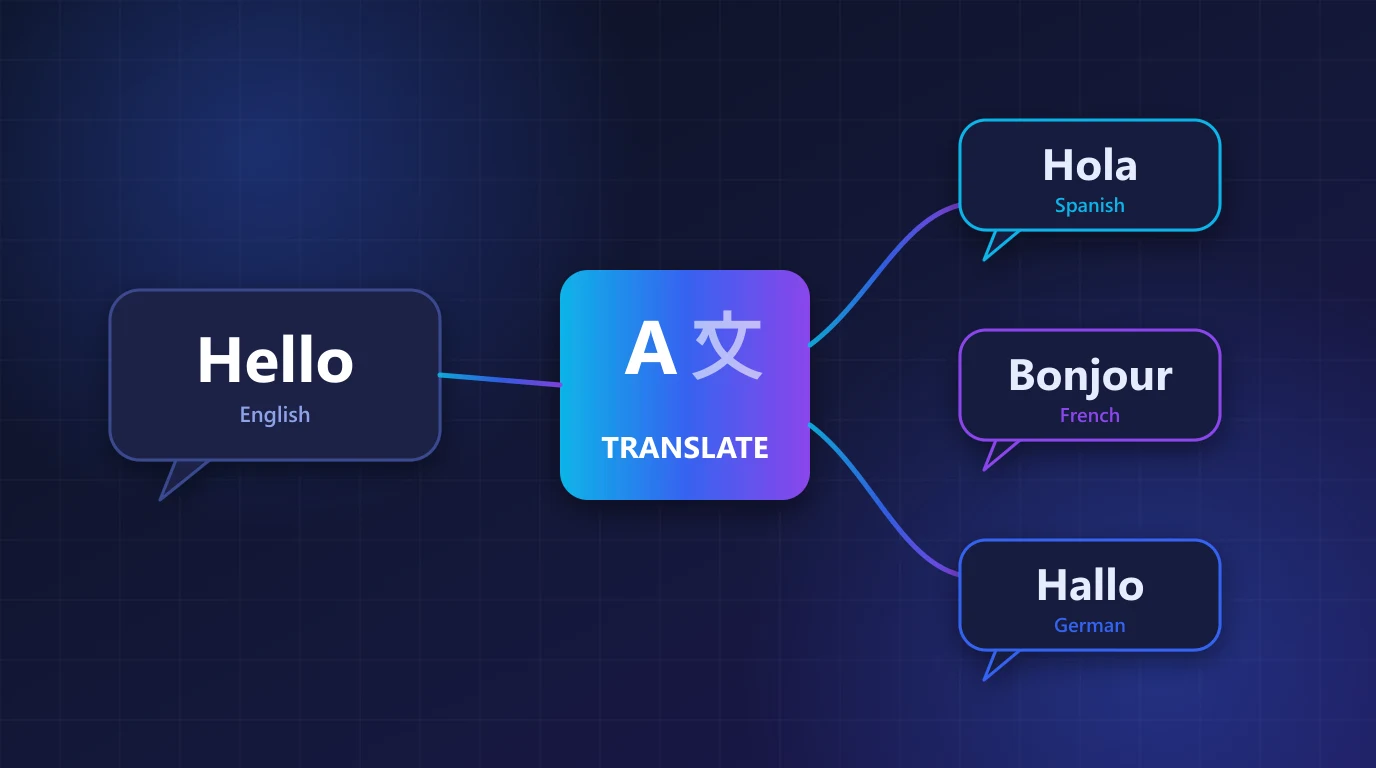
Create a small service class that sends your text to POST /api/v1/ai/translation with target_languages, and cache each result so the same text is never translated twice. Pass protected_keys for placeholders such as user_name and a glossary for brand terms, then read data.result.translations from the response.
Translating a Laravel app by hand does not scale: every new message in every language is another file to edit. In this tutorial you will add AI-powered translation to a Laravel 10 or 11 application. You will build one service class, cache the results, protect placeholders and brand names, and translate user-generated content on a queue. You need PHP 8.1 or newer and an RSFlowHub API key.
1. When to use AI translation
AI translation works best for content that changes often or that you do not control: product descriptions, user reviews, support messages, help-centre articles and notifications. For a short list of fixed interface labels, Laravel's normal language files are still the right tool, because those strings are few, reviewed once and reused everywhere.
| Content | Better approach |
|---|---|
| Menu labels, button text | Language files, translated once and reviewed |
| Product descriptions, articles | API translation, cached and stored |
| User reviews and comments | API translation on demand |
| Legal text, contracts | A professional human translator |
2. Add the configuration
Store the key in .env and read it through a config file, never directly with env() in application code.
'rsflowhub' => [
    'key' => env('RSFLOWHUB_KEY'),
    'url' => env('RSFLOWHUB_URL', 'https://rsflowhub.com/api/v1'),
],RSFLOWHUB_KEY=your_api_key_here3. Write the translation service
The service sends one request for every language you ask for (up to 10), caches the answer and returns a simple array keyed by language. Caching matters twice over: translations are faster, and you never pay to translate the same text again.
<?php

namespace App\Services;

use Illuminate\Support\Facades\Cache;
use Illuminate\Support\Facades\Http;
use Illuminate\Support\Facades\Log;

class Translator
{
    /**
     * @param  array<int, string>  $languages  e.g. ['Spanish', 'French']
     * @param  array<int, string>  $protectedKeys  placeholders that must stay as they are
     * @param  array<string, string>  $glossary  fixed translations for brand or product terms
     * @return array<string, string>  language => translated text (empty if translation failed)
     */
    public function translate(string $text, array $languages, array $protectedKeys = [], array $glossary = [], string $tone = 'friendly'): array
    {
        $cacheKey = 'translation:' . hash('sha256', json_encode([$text, $languages, $protectedKeys, $glossary, $tone]));

        if ($cached = Cache::get($cacheKey)) {
            return $cached;
        }

        $payload = array_filter([
            'text' => $text,
            'target_languages' => $languages,
            'protected_keys' => $protectedKeys,
            'glossary' => $glossary,
            'tone' => $tone,
        ]);

        $response = Http::withHeaders(['X-API-Key' => config('services.rsflowhub.key')])
            ->timeout(30)
            ->post(config('services.rsflowhub.url') . '/ai/translation', $payload);

        if ($response->failed()) {
            Log::warning('Translation failed', [
                'status' => $response->status(),
                'code' => $response->json('error.code'),
            ]);

            return []; // not cached, so the next request tries again
        }

        $translations = collect($response->json('data.result.translations', []))
            ->pluck('translated_text', 'target_language')
            ->all();

        if ($translations) {
            Cache::put($cacheKey, $translations, now()->addDays(30));
        }

        return $translations;
    }
}
Failed calls are logged and returned as an empty array without being cached, so a temporary problem never hides translations for 30 days. Callers should treat an empty result as "show the original text".
4. Protect placeholders and brand names
Laravel messages contain placeholders such as :name or {user_name}, and your product has terms that must not drift between languages. Two request fields handle this:
protected_keysis a list (up to 30) of variable names that must never be translated or altered.glossaryis an object (up to 30 entries) of fixed translations, for example{"Wallet": "Billetera"}, applied exactly.
Also set tone to one of formal, casual, friendly or professional. preserve_formatting defaults to true, so HTML tags and Markdown symbols in your text are kept as they are.
$result = app(Translator::class)->translate(
    'Hello <b>{user_name}</b>, welcome to Acme! Please check your Wallet balance.',
    ['Spanish', 'French'],
    protectedKeys: ['user_name'],
    glossary: ['Wallet' => 'Billetera'],
    tone: 'friendly',
);

// ['Spanish' => '¡Hola <b>{user_name}</b>, ...', 'French' => 'Bonjour <b>{user_name}</b>, ...']
Always run a few of your real messages through the glossary and read the result in each language you support, ideally with a native speaker, before you ship.
5. Use it in a controller
Here a visitor reads a product description in their own language. The controller asks for the visitor's language, translates only when it differs from your source language and falls back to the original text on any failure, so the page always renders.
public function show(Request $request, Product $product, Translator $translator)
{
    $language = $request->query('lang', 'English');
    $description = $product->description;

    if ($language !== 'English') {
        $translated = $translator->translate($description, [$language], glossary: ['Acme Cloud' => 'Acme Cloud']);
        $description = $translated[$language] ?? $description;
    }

    return view('products.show', compact('product', 'description', 'language'));
}
Validate lang against a short allow-list in real code. Otherwise anyone can send arbitrary strings that become API requests and cache entries.
6. Translate stored content on a queue
For content you edit rarely and read often, translate once when it changes and store the result. A queued job keeps the editing screen fast.
<?php

namespace App\Jobs;

use App\Models\Product;
use App\Services\Translator;
use Illuminate\Contracts\Queue\ShouldQueue;
use Illuminate\Foundation\Queue\Queueable;

class TranslateProduct implements ShouldQueue
{
    use Queueable;

    public int $tries = 3;
    public int $backoff = 30;

    public function __construct(public Product $product)
    {
    }

    public function handle(Translator $translator): void
    {
        $translations = $translator->translate(
            $this->product->description,
            ['Spanish', 'French', 'German'],
        );

        foreach ($translations as $language => $text) {
            $this->product->translations()->updateOrCreate(
                ['language' => $language],
                ['description' => $text],
            );
        }
    }
}
Dispatch it from your model's saved event or the controller that updates the product, and only when the description actually changed. Three languages are sent as one request. The limits and credits guide explains how translation is billed.
7. Common mistakes to avoid
- Translating on every page view. Cache or store results. Translating the same text repeatedly wastes credits and time.
- Leaving out
protected_keys. A translated{user_name}breaks your template. - Sending untrusted language names. Check the requested language against a list you support.
- Calling the API from JavaScript. The key must stay on the server. Call your own route, which calls RSFlowHub.
- Showing an error instead of the original. If translation fails, show the source text. A page in the wrong language beats a broken page.
- Shipping without a native review. Machine translation is good, not perfect. Have a speaker check important pages, pricing and legal text.
Translate Into Many Languages with One Call
The Translation API translates one text into up to 10 languages per request, with placeholder protection, a custom glossary and tone control. It works from Laravel, Node.js, Python or any backend.
View Translation API →Before you build, test your own sentences in the free Hinglish and Hindi translator, including Hinglish and Indian languages. Free, no signup.
Key Takeaways
- Wrap POST /api/v1/ai/translation in one service class and call it from controllers and jobs.
- Request up to 10 target_languages in a single call and read data.result.translations.
- Use protected_keys for placeholders and glossary for brand terms.
- Cache every result and never cache a failed call.
- Fall back to the original text when translation fails.
- Use language files for fixed interface labels and the API for changing content.


No comments yet
Be the first to share your thoughts on this article!